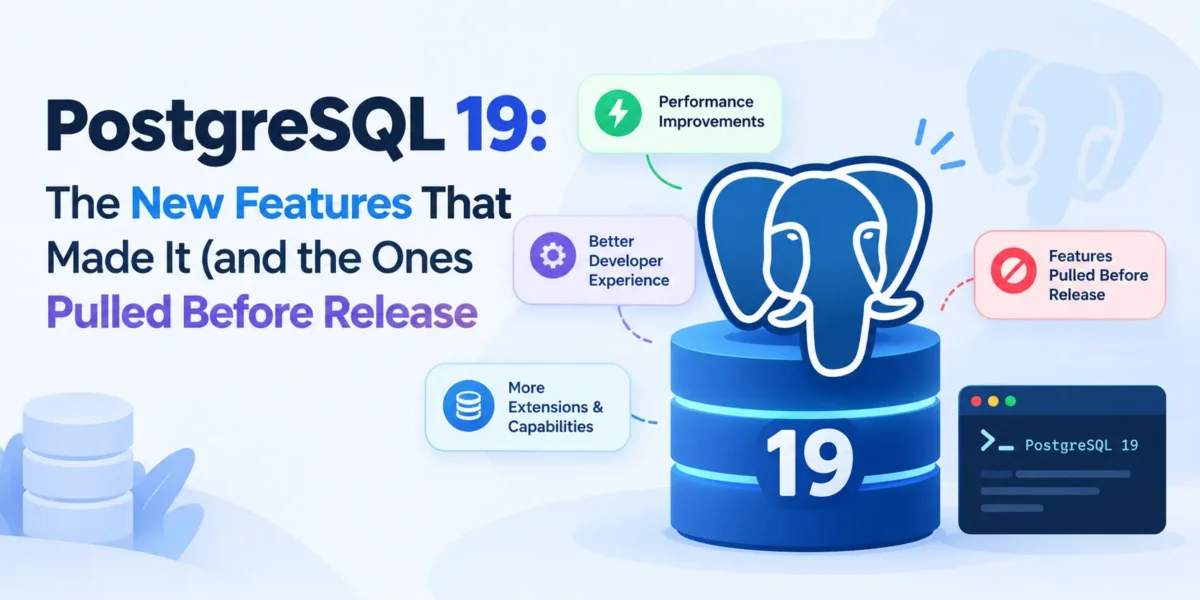
PostgreSQL 19 is close. Beta 4 shipped on 24 September 2026, and the project says a release candidate should follow in early October, with general availability possibly later that month. That makes this a good moment to look at what is actually in the release, because the feature list has changed since the first beta in June.
Several headline features announced with Beta 1 were reverted in Beta 4 and will not be in PostgreSQL 19. If you read an early “what’s new” article, some of what it promised is gone. This guide sticks to what is in the current release notes and documentation, flags what was pulled, and ends with a short plan for testing your own application against the beta.
First, what was removed before release
The Beta 4 announcement lists these as reverted, so do not plan around them for version 19:
- SQL/PGQ property graph queries (the SQL-standard graph query syntax)
- Temporal
UPDATEandDELETEwith theFOR PORTION OFclause ALTER TABLE ... MERGE PARTITIONSandALTER TABLE ... SPLIT PARTITIONS- Enabling or disabling data checksums online
- The DDL helper functions
pg_get_role_ddl(),pg_get_tablespace_ddl()andpg_get_database_ddl()
Reverts late in a cycle are normal for PostgreSQL: features that aren’t judged ready get pulled rather than shipped half-finished, and they often return in a later major version. It is still worth knowing, because these were among the most talked-about items in June.
INSERT … ON CONFLICT DO SELECT: a real “get or create”
This is the feature most application developers will use first. Until now, ON CONFLICT gave you two choices: DO NOTHING, which returns no row when there is a conflict, or DO UPDATE, which returns the row but performs a write you didn’t need. The usual workaround was a dummy update such as SET name = EXCLUDED.name, which creates a new row version and extra WAL just to get an ID back.
PostgreSQL 19 adds DO SELECT. The documentation calls it an “idempotent insert” or “get or create”, and a RETURNING clause is required:
CREATE TABLE tags (
  id   bigint GENERATED ALWAYS AS IDENTITY PRIMARY KEY,
  name text NOT NULL UNIQUE
);

-- Returns the new row, or the existing one if 'postgres' is already there
INSERT INTO tags (name) VALUES ('postgres')
ON CONFLICT (name) DO SELECT
RETURNING id, name;
You can also lock the existing row in the same statement with DO SELECT FOR UPDATE (or FOR NO KEY UPDATE, FOR SHARE, FOR KEY SHARE), and add a WHERE condition to filter which conflicting rows are returned. For tag tables, user lookups by email and similar lookup-or-insert code, this removes a common source of needless writes and awkward CTEs. Expect ORMs and query builders to take some time to expose it; until they do, raw SQL works.
WAIT FOR LSN: read-your-writes on replicas
If you send reads to a streaming replica, you have probably hit this bug: a user saves something, the next page load reads from the replica, and the change isn’t there yet. The new WAIT command lets a session on a standby block until it has replayed WAL up to a given position.
The pattern is: after a write on the primary, capture the current WAL position and carry it with the user’s session (a cookie or request header works). Before reading from the replica, wait for that position:
-- On the primary, after the write commits
SELECT pg_current_wal_insert_lsn();   -- e.g. 0/0306EE20

-- On the standby, before the read
WAIT FOR LSN '0/0306EE20' WITH (TIMEOUT '200ms', NO_THROW);
With NO_THROW, the command returns a status of success, timeout or not in recovery instead of raising an error, so your code can fall back to reading from the primary when the replica is lagging. Without a TIMEOUT, it waits indefinitely, so always set one in application code. Other modes (standby_write, standby_flush, primary_flush) let you wait for durability rather than visibility; the default, standby_replay, is the one you want for read-your-writes.
REPACK replaces VACUUM FULL and CLUSTER
VACUUM FULL and CLUSTER did nearly the same job, rewriting a table to reclaim space, under confusing names. PostgreSQL 19 unifies them as REPACK. The old commands still work for compatibility.
The bigger news is REPACK (CONCURRENTLY). Both old commands hold an ACCESS EXCLUSIVE lock for the whole rewrite, blocking reads and writes, which is why many teams rely on the external pg_repack extension. The built-in concurrent mode uses logical decoding to capture changes made during the rewrite and only takes the exclusive lock briefly to swap files:
REPACK (CONCURRENTLY, VERBOSE) orders;

-- Rewrite in index order (what CLUSTER used to do)
REPACK orders USING INDEX orders_created_at_idx;
Check the limitations before you plan around it. CONCURRENTLY can’t be used on partitioned tables, unlogged tables, materialized views, or tables without a primary key or index-based replica identity; it can’t run inside a transaction block; and it needs a free slot under the new max_repack_replication_slots setting.
Better tools for query tuning
EXPLAIN (ANALYZE, IO)
PostgreSQL 18 introduced asynchronous I/O. Version 19 lets you see it: the new IO option reports prefetch queue distance and capacity, the number and average size of I/O requests, I/O waits and average concurrency for scan nodes. It only works together with ANALYZE:
EXPLAIN (ANALYZE, BUFFERS, IO)
SELECT count(*) FROM orders WHERE created_at > now() - interval '30 days';
pg_plan_advice and pg_stash_advice
PostgreSQL has long avoided optimizer hints. The new contrib module pg_plan_advice takes a different route: it can record the planner’s decisions for a query as an “advice” string, and you can feed that advice back to keep the plan stable. A companion extension, pg_stash_advice, stores advice and applies it automatically by query ID.
LOAD 'pg_plan_advice';

EXPLAIN (COSTS OFF, PLAN_ADVICE)
SELECT * FROM orders o JOIN customers c ON o.customer_id = c.id;
-- Output includes a "Generated Plan Advice" section, e.g.
--   JOIN_ORDER(o c)  HASH_JOIN(c)  SEQ_SCAN(o c)

SET pg_plan_advice.advice = 'JOIN_ORDER(o c)';
The advice shown above is illustrative; the exact output depends on your data and indexes. My recommendation is to treat this as a tool for pinning a known-good plan on a critical query after you’ve understood why the planner goes wrong, not as a first resort. Fixing statistics and indexes is still the right starting point.
Performance and maintenance improvements
Much of PostgreSQL 19 is work you get without changing any code:
- Parallel autovacuum. Autovacuum can use parallel workers to vacuum a table’s indexes, controlled by
autovacuum_max_parallel_workers, and a new scoring system decides which tables most need vacuuming or analyzing. - Self-scaling I/O workers. With
io_method = worker, the server now starts and stops I/O workers as needed, betweenio_min_workersandio_max_workers. - Faster foreign key checks. The Beta 1 announcement cited up to 2x better insert performance for foreign-key checks; your gains will depend on schema and workload.
- Cheaper LISTEN/NOTIFY.
NOTIFYnow only wakes backends that are listening on the relevant channel, instead of most backends. Apps that use many channels for real-time updates should benefit. - Lock statistics. A new
pg_stat_lockview reports statistics per lock type, useful when chasing contention.
Logical replication gets easier
Two long-standing pain points are addressed. Logical replication now replicates sequence values (publications can use ALL SEQUENCES, and ALTER SUBSCRIPTION ... REFRESH SEQUENCES syncs them), which removes a manual step in logical-replication-based major version upgrades. And when wal_level is replica, the server can enable logical decoding on demand without a restart; the new read-only effective_wal_level shows what is currently in effect. Publications also gain an EXCEPT clause to publish all tables but a few.
Security changes
- TLS SNI. A new
pg_hosts.conffile lets one server present different certificates depending on the hostname the client requested. - MD5 warnings. After a successful
md5login, the client now gets a deprecation warning (controlled bymd5_password_warnings). If you still have MD5 passwords, this is your cue to move to SCRAM. - Password expiry warnings.
password_expiration_warning_threshold, defaulting to 7 days, warns users whose passwords are about to expire. - RADIUS authentication removed. If you use it, you need a different method before upgrading.
Changes that can break things
The “Migration to Version 19” section of the release notes is the part to read carefully. The items most likely to matter to application teams:
| Change | What to check |
|---|---|
| JIT is disabled by default | If some analytical queries relied on JIT, benchmark them and set jit = on if needed. |
Default TOAST compression is lz4 (when built with lz4) |
Applies to newly stored values; mostly a performance gain, but check any tooling that assumes pglz. |
json_array() over no rows returns an empty array, not NULL |
Code that tests the result with IS NULL. |
standard_conforming_strings is always on |
Very old code or drivers that turned it off. |
max_locks_per_transaction default raised from 64 to 128 |
Slightly more shared memory; usually fine. |
| Carriage returns and line feeds disallowed in database, role and tablespace names | Rare, but it will block an upgrade. |
MULE_INTERNAL encoding removed |
Databases using it must be dumped and restored with another encoding. |
Renamed monitoring fields (sync_error_count to sync_table_error_count, wait event type BUFFERPIN to BUFFER) |
Dashboards and alert queries. |
How to test your app against the beta now
The official Docker image already has a 19beta4 tag, which makes a throwaway test server a one-liner. Use a different host port if you already run PostgreSQL locally:
docker run --name pg19-test -e POSTGRES_PASSWORD=devonly \
  -p 5433:5432 -d postgres:19beta4

psql "postgresql://postgres:devonly@localhost:5433/postgres" -c "SELECT version();"
Then run the checks that tend to surface problems:
- Restore a copy of a production-like database with
pg_dump/pg_restore. Moving to 19 is a major upgrade, so it needspg_upgradeor dump and restore, as always. - Run your migrations and your full test suite against it, including ORM and driver versions you actually ship.
- Compare
EXPLAIN (ANALYZE, BUFFERS)for your ten slowest queries on 18 and 19. The JIT default change is the most likely source of differences for reporting queries. - Grep your monitoring queries for the renamed columns and wait events above.
- Report anything odd through the project’s bug form; the beta period exists for exactly this.
Don’t run the beta in production. For most teams, the sensible plan is to test now, upgrade staging after GA, and move production after the first minor release, which on the project’s regular schedule would be 12 November 2026 or later.
Sources: PostgreSQL 19 Beta 4 announcement, PostgreSQL 19 Beta 1 announcement, PostgreSQL 19 release notes, PostgreSQL roadmap, INSERT documentation, WAIT documentation, REPACK documentation, EXPLAIN documentation, pg_plan_advice documentation, Official postgres Docker image