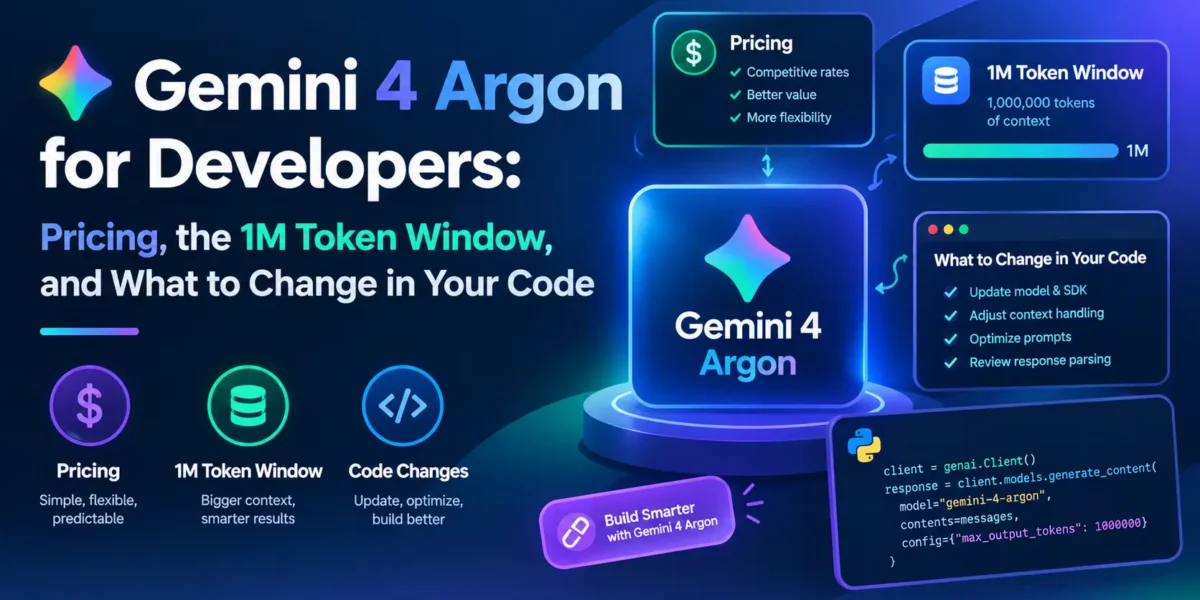
Google released Gemini 4 Argon on 13 October 2026, and it is the first Gemini 4 model developers can call through the API. It arrives after a rough few months for Google’s model line: in September the company said it would no longer ship the Gemini 3.5 Pro release it had promised for June. Argon is positioned as the flagship for long, multi-step work such as code migrations, agentic coding and research tasks.
For developers, the headline benchmarks matter less than a set of practical changes. Argon is paid-tier only, its price doubles after November, it ignores sampling parameters you may still be sending, it drops explicit context caching, and its long-output mode depends on the newer Interactions API. This post covers what changed, what it costs, and what to update before pointing existing Gemini 3 code at the new model.
What Gemini 4 Argon is, and where you can use it
Google describes Argon as a model built for “deep work” in complex, real-world tasks across coding, finance, law, cybersecurity and science. The model ID is simply gemini-4-argon, and it is listed as a stable version rather than a preview.
According to Google’s announcement and the Gemini API docs, it is available in these places:
- Gemini API and Google AI Studio, on the paid tier only. The docs state plainly that Argon “is not available on the Free tier”.
- Android Studio, also through the paid API tier.
- Google Antigravity, Google’s agent-first development platform, for Google AI Ultra subscribers.
- The Gemini app and AI Mode in Search for Google AI Pro and Ultra subscribers.
The model card lists text, image, video, audio and PDF as inputs, with text as the only output. It supports function calling, structured outputs, code execution, Search and Google Maps grounding, URL context, file search, the Batch API, and computer use (in preview). It does not support the Live API, image generation or audio generation, so real-time voice apps still need a different model.
Pricing: introductory rates end with November
This is the detail most likely to catch teams out. Google launched Argon at an introductory price and has already published the higher rate that replaces it:
| Token type (per 1M tokens) | Introductory (through 30 Nov 2026) | From 1 Dec 2026 |
|---|---|---|
| Input | $2.00 | $4.00 |
| Cached input (implicit caching) | $0.10 | $0.20 |
| Output, including thinking tokens | $10.00 | $20.00 |
Two things in that table deserve attention. First, thinking tokens are billed as output, so the thinking level you choose has a direct effect on cost. Second, cached input is 95% cheaper than regular input, which makes prompt structure (stable content first, changing content last) worth getting right.
A quick worked example: a request with 50,000 input tokens that produces 6,000 output tokens (thinking plus answer) costs about $0.10 + $0.06 = $0.16 at the introductory rate, and about $0.32 from December. If you are prototyping now, budget with the December numbers, not the launch numbers.
The 1M token window and “long decode”
Argon has a unified 1,048,576-token context window shared by input, thinking and output. That last part is new: instead of separate input and output limits, everything comes out of one budget.
By default, responses are capped at 65,536 output tokens. Above that, Argon supports what Google calls long decode: the model generates the response in “hops” of up to 64K tokens, and the total output can reach up to 1M tokens minus whatever your input used. Long decode requires background execution. Without background: true, the server stops at 64K, and the background execution docs note that Gemini 4 requests asking for more than 65,536 output tokens without background mode return a 400 error.
Realistically, few applications need a million-token answer. Where long decode helps is large generation jobs that previously needed manual chunking: migrating a whole module, producing a long report from many documents, or generating test suites for a large codebase.
Thinking levels replace sampling knobs
Argon exposes three thinking levels through thinking_level in generation_config:
low: fewest tokens and lowest latency.medium: the default, which Google recommends for most tasks, including complex code and agentic use.high: for the hardest reasoning and coding problems.
Google’s advice is to run your evaluations at all three levels and pick the lowest one that meets your quality bar. Since thinking is billed as output, that advice is also a cost-control strategy.
At the same time, temperature, top_p and top_k are ignored. The docs say Gemini 4 and Gemini 3.6+ models ignore these values and return deprecation warnings, so remove them from requests rather than assuming they still shape output.
max_output_tokens now covers thinking and the visible answer together. If an existing app sets a small limit, Argon can spend most of it thinking and return a truncated answer. Google recommends at least 32,768 for existing apps and 131,072 or 262,144 for complex reasoning and coding.
Calling Argon from TypeScript
Google’s examples for Argon use the Interactions API in the @google/genai SDK. The Interactions API is the newer, stateful alternative to generateContent: conversations can be stored server-side and continued with previous_interaction_id, and responses are returned as a list of typed steps. Google says generateContent “remains fully supported”, but recommends the Interactions API for new development, and long decode is built around it.
A basic call with an explicit thinking level and output budget looks like this. The SDK reads your API key from the GEMINI_API_KEY environment variable.
import { GoogleGenAI } from "@google/genai";

const client = new GoogleGenAI({});

const interaction = await client.interactions.create({
  model: "gemini-4-argon",
  system_instruction: "You are a senior TypeScript reviewer. Be concise.",
  input: "Review this function for bugs: function sum(a, b) { return a + b }",
  generation_config: {
    thinking_level: "low",
    max_output_tokens: 32768,
  },
});

console.log(interaction.output_text);
For a follow-up question, pass the previous interaction’s ID instead of resending the whole history:
const followUp = await client.interactions.create({
  model: "gemini-4-argon",
  previous_interaction_id: interaction.id,
  input: "Now rewrite it with JSDoc types.",
});

console.log(followUp.output_text);
Running a long job in the background
For anything that might take minutes, Google suggests background execution. You create the interaction with background: true, then poll until its status leaves in_progress:
import { GoogleGenAI } from "@google/genai";

const client = new GoogleGenAI({});

const job = await client.interactions.create({
  model: "gemini-4-argon",
  input: "Write a migration plan and code for moving this Express app to Fastify: ...",
  background: true,
  generation_config: {
    thinking_level: "high",
    max_output_tokens: 262144,
  },
});

let current = await client.interactions.get(job.id);
while (current.status === "in_progress") {
  await new Promise((resolve) => setTimeout(resolve, 5000));
  current = await client.interactions.get(current.id);
}

if (current.status === "completed") {
  console.log(current.output_text);
} else {
  console.log(`Finished with status: ${current.status}`);
}
Other possible statuses are requires_action, failed and cancelled. Stored interactions are kept for 7 days by default, or 24 hours with store: false. One gotcha: chaining a new request onto an interaction that is still in_progress returns a 400 error, so wait for completion before continuing the conversation.
Because each long-decode hop adds its own model_output step, the docs say you need to join text across those steps when you read raw step data rather than output_text.
Migration checklist from Gemini 3.x
Google’s own migration notes for Argon come down to the following list. Most of these are one-line changes, but a couple can cause silent quality or cost problems if missed.
- Change the model ID to
gemini-4-argon, and make sure the project is on the paid tier. - Remove sampling parameters (
temperature,top_p,top_k). They are ignored. - Review
max_output_tokens, since thinking now shares that budget. - Remove explicit caching. Calls that create or reference
cachedContentsare not supported. Implicit caching is on by default for prompts of at least 4,096 tokens, so put stable content (system prompt, reference documents) at the start of the prompt to benefit from it. - Raise HTTP client timeouts to at least 15 minutes, or switch to background execution. Google warns that hard prompts can take several minutes.
- Use
previous_interaction_idfor multi-turn and function-calling conversations. - Evaluate all three thinking levels on your own test set before choosing a default.
The timeout point is easy to overlook in serverless environments. Many platforms limit function duration well below 15 minutes, so for heavy prompts the safer design is to start a background interaction, return its ID to the client, and poll or check its status from a separate request.
How to read the benchmark claims
Google’s announcement says Argon ranks first on the Vals Index (covering finance, coding, legal and tax tasks) and scores 87% on the ERQA embodied reasoning benchmark. It also reports internal results, such as teams using Argon in Antigravity increasing agentic code submissions by more than 35% while cutting code rollbacks by nearly a third. These are Google’s own figures and have not been independently verified.
Reporting on Google’s comparison table, MarkTechPost noted that Argon does not lead everywhere: on some agentic coding and terminal benchmarks, competing models from Anthropic and OpenAI scored higher in the same table. MarkTechPost also notes that many competitor scores in that table are self-reported or taken from public leaderboards. The practical takeaway is the usual one: treat launch benchmarks as a reason to test, not a reason to switch.
Should you switch?
My recommendation depends on the workload:
- Long agentic or migration tasks, where a single request needs a lot of reasoning or a very long output, are exactly what Argon targets. Long decode and background execution are a real improvement over manual chunking, and these jobs are worth evaluating now.
- High-volume, latency-sensitive features such as chat replies, classification or extraction are probably better served by a cheaper Flash model. The Gemini API docs currently list Gemini 3.8 Flash alongside Argon.
- Apps that rely on explicit caching or sampling controls need code changes before they can move, so plan time for that and re-test output quality.
- Anyone on the free tier cannot use Argon through the API at all.
Whatever you decide, run cost estimates at the December prices. The introductory rate is useful for evaluation, but it is not the price you will pay in production.
Sources: Google: Gemini 4 Argon, built to solve your hardest problems, Google: Gemini 4 Argon is now available for developers, Gemini API: What’s new in Gemini 4 Argon, Gemini API: Gemini 4 Argon model card, Gemini API: Background execution, Gemini API: Migrating to the Interactions API, Gemini API: Text generation, Reuters via The Star, MarkTechPost