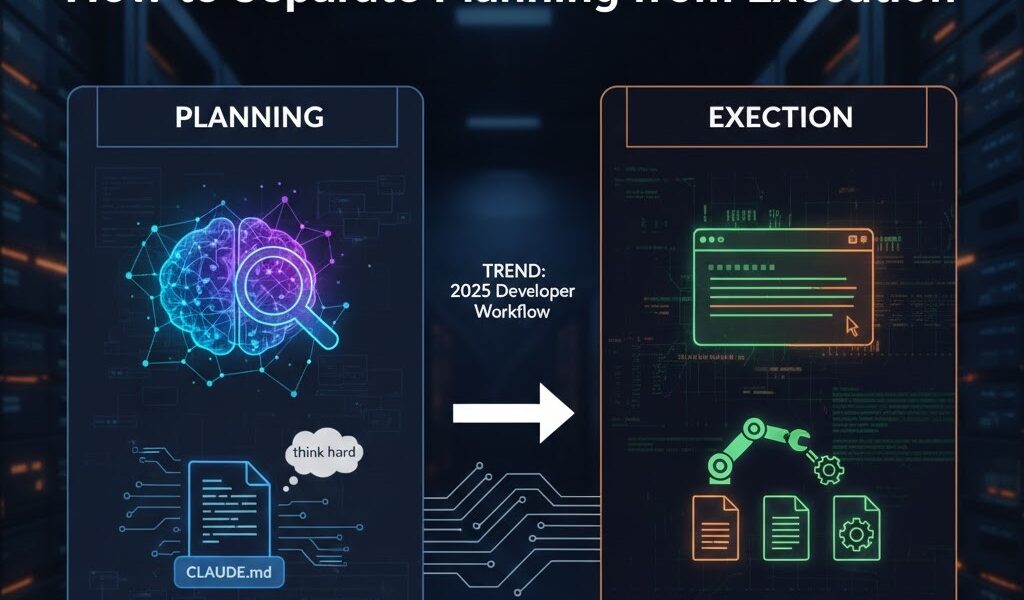
Claude Code, Anthropic’s agentic coding tool, doesn’t just autocomplete code. It reads your files, runs commands, edits across many files and handles git, all from your terminal, IDE or desktop app. That power is exactly why the way you work with it matters. The single most useful habit is to separate planning from execution: let Claude understand the problem and propose an approach before it touches a file.
This guide walks through a practical workflow built around that idea, using Claude Code’s own features: Plan Mode, CLAUDE.md files, permission rules, custom commands and subagents.
What Claude Code is
Claude Code is an agent that works in your real development environment. You give it a goal, and it runs a loop: gather context, take an action, check the result, repeat. Unlike a chat window where you paste code back and forth, it reads and edits the actual files in your project and runs your actual commands.
The recommended way to install it on macOS, Linux or WSL is Anthropic’s native installer, which also keeps it updated automatically:
curl -fsSL https://claude.ai/install.sh | bash

# then, inside your project
cd your-project
claude
On Windows PowerShell the equivalent is irm https://claude.ai/install.ps1 | iex. Homebrew (brew install --cask claude-code) and npm (npm install -g @anthropic-ai/claude-code) also work. You need a paid Claude plan (Pro, Max, Team or Enterprise) or an Anthropic Console account with API billing. The free claude.ai plan doesn’t include Claude Code.
Claude Code’s source is published on GitHub, but it isn’t open source in the licensing sense: it’s Anthropic’s proprietary product. If you need a fully open-source terminal agent, see our comparison of open-source CLI coding agents.
Why separate planning from execution?
Most developers have seen this happen: you ask an AI to “add user authentication”, and within seconds it’s writing code. But it has picked a library you don’t use, missed a security requirement and structured the feature in a way you’ll regret in three weeks. You never got a chance to correct the approach, because the approach and the implementation arrived together.
Anthropic’s own Claude Code best practices make the same point. Without a dedicated research and planning step, Claude tends to jump straight to coding a solution. Asking it to explore and plan first noticeably improves results on problems that need thought up front.
Separating the two steps gives you a cheap moment to review the approach, when changing course costs a few sentences instead of a rewrite.
Step 1: Give Claude project context with CLAUDE.md
CLAUDE.md is a Markdown file Claude Code loads into context at the start of every session. It’s the briefing document your agent reads before touching anything. Run /init in a new project and Claude will generate a starting version by analysing your codebase. Then refine it with the things Claude can’t discover on its own.
A useful CLAUDE.md answers a few questions: how to build, test and lint the project, which conventions to follow, which patterns or libraries to avoid, and any gotchas. For example:
# Project: E-commerce API

## Commands
- npm run build      # compile TypeScript
- npm test           # run Jest
- npm run lint       # ESLint + Prettier
- npm run typecheck  # run before committing

## Conventions
- ES modules only, no require()
- async/await, not .then() chains
- Throw typed errors from src/errors/
- Database access only through Prisma, no raw SQL

## Architecture notes
- Auth logic lives in src/middleware/auth.ts. Don't duplicate it.
- Payments go through src/services/stripe.ts only.
- Never commit secrets. Use process.env and document keys in .env.example.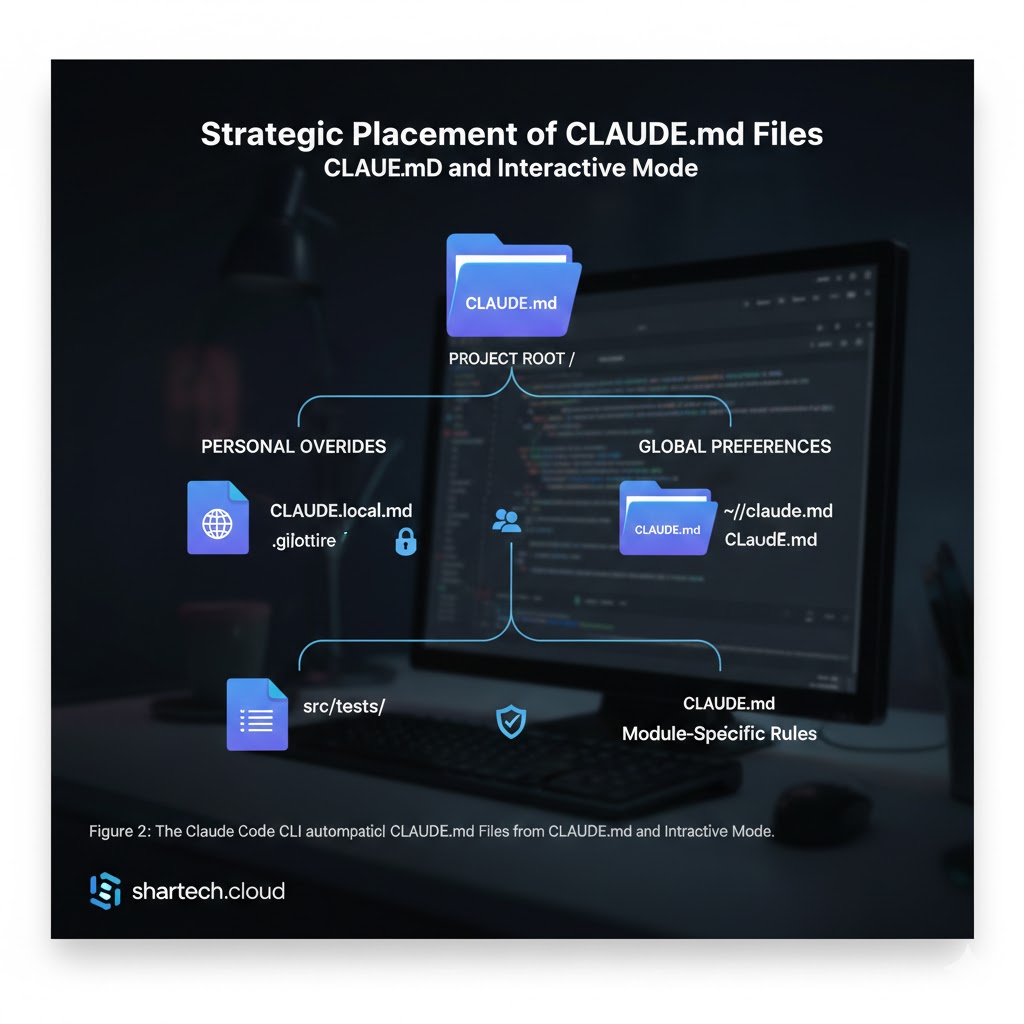
Claude Code reads CLAUDE.md files from several places and combines them:
| Location | Use it for |
|---|---|
./CLAUDE.md |
Project conventions. Commit it so your team shares them. |
./CLAUDE.local.md |
Your personal notes for this project. Add it to .gitignore. |
~/.claude/CLAUDE.md |
Personal preferences for all your projects. |
| CLAUDE.md in a subdirectory | Rules for one part of the codebase. Loaded when Claude works in that folder. |
Treat CLAUDE.md like code: keep it short and specific, and update it whenever you find yourself correcting Claude about the same thing twice. Vague lines like “write clean code” do nothing. Concrete ones like “use the logger in src/lib/log.ts, never console.log” do.
Step 2: Plan in Plan Mode
Plan Mode is the most direct way to separate thinking from doing. In Plan Mode, Claude can read files and investigate, but it makes no edits until you approve a plan. Press Shift+Tab during a session until the status bar shows plan mode is on, or start a session in it:
claude --permission-mode planA good planning session has two parts. First, exploration:
Read src/auth/middleware.ts, src/routes/user.ts and the tests in
tests/auth/. Explain how the current authentication flow works.
Then the plan itself:
Propose a plan for adding refresh-token support. Cover the database
changes, middleware, route handlers, security considerations and the
tests we'll need. List any decisions you want me to make.
Now review it properly. Push back on choices you disagree with, ask for alternatives and settle open questions. For bigger features, ask Claude to save the approved plan to a file, such as docs/plans/refresh-tokens.md, so you have something to return to if implementation drifts.
Older guides tell you to type keywords like “think hard” or “ultrathink” to get deeper reasoning. Current versions of Claude Code manage extended thinking automatically on models that support it, so Plan Mode and a clear, specific request are the more reliable tools.
Step 3: Execute in small, verified steps
Once you approve the plan, Claude can switch to implementing it. Because the context is already established, your instructions can be short, but make verification part of them:
Implement the approved plan. Do the schema changes first, then the
middleware, then the routes. After each part, run the auth tests and
the typechecker and fix any failures before moving on.
This turns Claude from something that produces plausible-looking code into something closer to a colleague who runs the tests before handing work back. Tests are the most effective guardrail you have, so make sure the project’s test command is in CLAUDE.md.
Setting permissions
By default, Claude Code asks before running most commands or editing files. As you get comfortable, you can pre-approve safe actions. Run /permissions to view and edit rules interactively, or add them to .claude/settings.json and commit the file to share them with your team:
{
  "permissions": {
    "allow": [
      "Bash(npm run *)",
      "Bash(npm test *)",
      "Bash(git commit *)"
    ],
    "deny": [
      "Bash(git push *)"
    ]
  }
}
Keep anything destructive or external, such as pushing, deploying or deleting, behind an explicit approval. Committing locally is easy to undo. Pushing to a shared branch isn’t.
Step 4: Commit and open a pull request
When the tests pass, ask Claude to commit with a descriptive message and open a pull request. If you use the GitHub CLI, Claude can run gh pr create for you. Review the diff and the PR description yourself before merging, as you would for any colleague’s work.
Anthropic’s best practices summarise this whole loop as explore, plan, code, commit. The first two steps are where most of the quality comes from.
Turn your workflow into a custom command
Once you’ve found a process that works, save it so you don’t have to retype it. Custom commands are Markdown files. A file at .claude/commands/build-feature.md (or a skill at .claude/skills/build-feature/SKILL.md) becomes the /build-feature command, and $ARGUMENTS is replaced with whatever you type after it:
Implement this feature: $ARGUMENTS

1. Explore the relevant code. Don't edit anything yet.
2. Write a short plan with trade-offs and your recommended approach.
3. Stop and wait for my approval.
4. Implement the approved plan, running tests after each section.
5. Make sure tests and the typechecker pass.
6. Commit with a descriptive message and open a PR.
Now anyone on the team can run /build-feature add OAuth login and get the same disciplined process.
Use subagents for exploration
Exploring a large codebase fills your session’s context with file contents. You can ask Claude to delegate that work: “use a subagent to investigate how token refresh works in our auth system”. The subagent reads files in its own context window and reports back a summary, keeping your main session focused on decisions rather than raw file dumps. This is especially useful in the exploration step.
Connect external tools with MCP
Claude Code supports the Model Context Protocol, so it can use tools like issue trackers, databases or browsers through MCP servers configured in a project’s .mcp.json. That lets the planning step start from the real issue description, for example, instead of your paraphrase of it. Only add servers you trust, since each one gives the agent new abilities.
Script it in CI
The -p flag runs Claude Code non-interactively and works with pipes like any Unix tool:
git log --oneline -20 | claude -p "summarise these recent commits"That makes it possible to use it in CI, for example to draft release notes or run a first-pass review. Treat automated output as a draft for a human to check.
Mistakes to avoid
- Skipping the plan for anything non-trivial. For a one-line fix, go straight to execution. For anything touching several files, plan first.
- Approving plans without reading them. The review is the whole point of separating the steps.
- A thin or stale CLAUDE.md. Add a rule whenever you correct the same mistake twice.
- One long session for unrelated tasks. Start a new session, or clear the context, for each separate task so earlier work doesn’t confuse later work.
- Broad permissions too early. Pre-approve only what you’d happily let a new team member do unsupervised.
FAQ
How is Claude Code different from GitHub Copilot’s autocomplete?
Autocomplete suggests the next lines as you type. Claude Code is an agent that can plan and carry out multi-file changes, run commands and verify its own work. Both have their place, but they solve different problems.
Does Claude Code send my code to Anthropic?
Claude Code runs locally but sends the relevant code and context to Anthropic’s models (or to your cloud provider, if you use Claude through Amazon Bedrock, Google Cloud or Microsoft Foundry) to process requests. Check Anthropic’s data policies and your organisation’s rules before using it on sensitive code.
How do I stop it making changes without asking?
Use the default permission mode, or Plan Mode when you only want analysis, and keep a short allow list in your settings. You can review all active rules with /permissions.
Wrapping up
Planning and execution benefit from being separate steps. Give Claude Code good context with CLAUDE.md, use Plan Mode to agree on an approach, then let it implement in small, tested steps with sensible permissions. You’ll get code that fits your project better, fewer surprises halfway through, and diffs that are easier to review because you already understood the plan.
Sources: Anthropic: Claude Code best practices, Claude Code docs: setup, Claude Code docs: common workflows, Claude Code docs: memory and CLAUDE.md, Claude Code docs: permissions, Claude Code docs: custom commands.