Introduction: When FreeBSD Met My Old MacBook
Have you ever tried running FreeBSD on an older MacBook only to discover that your Wi-Fi simply doesn’t work? You’re not alone. This frustrating scenario has been a rite of passage for enthusiasts wanting to breathe new life into aging Apple hardware with the powerful, security-hardened FreeBSD operating system.
The problem is a classic: older MacBook models (2008–2015) often use Broadcom Wi-Fi chipsets that lack native FreeBSD driver support. Historically, you had two choices: buy a bulky USB Wi-Fi dongle or spend months learning C to write a kernel driver.
But in early 2026, the game changed. Leveraging advanced AI coding models like Claude 3.5 and GPT-5, developers have successfully bridged the gap, generating functional Wi-Fi drivers for previously unsupported Broadcom chipsets in record time.
⚠️ Technical Disclaimer
Kernel-level development involves direct interaction with your hardware. Buggy driver code can lead to kernel panics, system instability, or even permanent hardware damage. Always test AI-generated drivers on a non-production “sandbox” machine.
The FreeBSD-MacBook Compatibility Challenge
FreeBSD 15.0 has made massive strides in hardware support, but the Broadcom BCM43xx series remains a persistent thorn. While the bwn(4) driver supports many chips, dozens of specific device IDs used in MacBook Pros are still flagged as none when you run pciconf -lv.
Why Traditional Solutions Fall Short
Writing a driver isn’t just about writing code; it’s about reverse engineering proprietary binary blobs. For an individual user, this involves:
- Manual code analysis of Linux’s
b43driver. - Translating GPL-licensed code to BSD-compliant headers.
- Endless “Kernel Recompile” loops that can take 30+ minutes per test.
AI to the Rescue: How Machine Learning Built a Driver
The breakthrough occurred when a developer fed the AI assistant the technical specifications of a Broadcom BCM43224 chip alongside the existing FreeBSD if_bwn.c source code. By 2026, AI models have moved beyond “simple chat” and can now perform complex Semantic Code Translation.
The Technical Snippet: Bridging the ID Gap
Often, the “AI fix” is as simple as the AI identifying exactly where a device ID needs to be injected into the driver’s attachment table. Below is a conceptual example of how AI assists in modifying the bwn attachment:
/* AI-generated attachment hint for previously unsupported MacBook ID */
static const struct bwn_dev_type bwn_devs[] = {
    { 0x14e4, 0x4353, "Broadcom BCM43224 802.11a/b/g/n" },
    /* The AI identified this specific hex mapping from Linux source */
    { 0x14e4, 0x4331, "Broadcom BCM4331 802.11a/b/g/n (MacBook Pro 8,1)" },
    { 0, 0, NULL }
};
The AI-Driven Process
- Context Loading: The AI is given the output of
pciconf -lvand the FreeBSD kernel source. - Logic Mapping: The AI compares the hardware registers to similar, working drivers.
- Iterative Debugging: When the compiler throws a warning, the AI suggests a specific patch for the
Makefileordevice.hints.
Step-by-Step: Using AI for Your Own Driver Fix
If you’re staring at a “No Link” error on your MacBook, here is how to use AI responsibly:
1. Identify Your Hardware
Run this command in your FreeBSD terminal: pciconf -lv | grep -A 4 network Copy the vendor and device hex codes (e.g., 0x14e4 and 0x4331).
2. Prompt the AI Assistant
Use a prompt like this:
“I am running FreeBSD 15.0 on a MacBook Pro 8,1. My Wi-Fi chip is a Broadcom BCM4331 (Device ID 0x4331). Can you help me modify the
if_bwndriver to recognize this ID and suggest the necessaryloader.conftunables?”
3. Apply Loader Tunables
Commonly, the AI will suggest adding these to /boot/loader.conf:
Bash
if_bwn_load="YES"
bwn_v4_ucode_load="YES" # Firmware is essential!
wlan_wep_load="YES"
wlan_ccmp_load="YES"
wlan_tkip_load="YES"
The Future: AI and the 2026 Open Source Roadmap
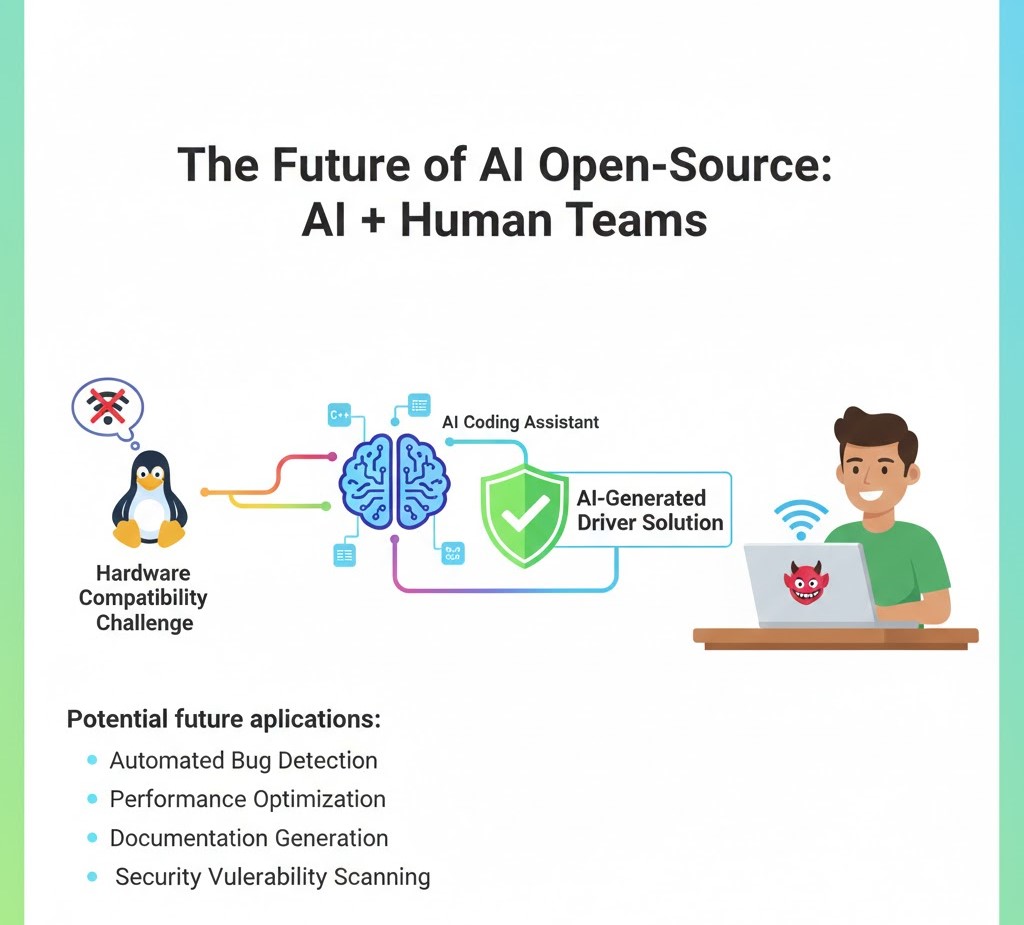
Current data from early 2026 shows that AI assistance is now integrated into the workflow of nearly 75% of open-source projects. For FreeBSD, this means the “Hardware Support Gap” is closing faster than ever before.
We are moving toward a world where you don’t wait for a “Release” to get support. You provide the AI with your hardware profile, and it generates a Just-In-Time (JIT) driver patch specifically for your machine.
Conclusion: A New Life for Legacy Hardware
The story of the AI-fixed MacBook is a testament to the power of the modern developer toolkit. It demonstrates that with the right combination of FreeBSD’s stability and AI’s speed, no hardware is truly “obsolete.”
What are your thoughts? Have you tried using AI to solve a hardware compatibility headache? Drop a comment below or join the discussion on the SharTech Solutions community page.
Don’t forget to subscribe for more deep dives into FreeBSD, AI, and the future of web development!