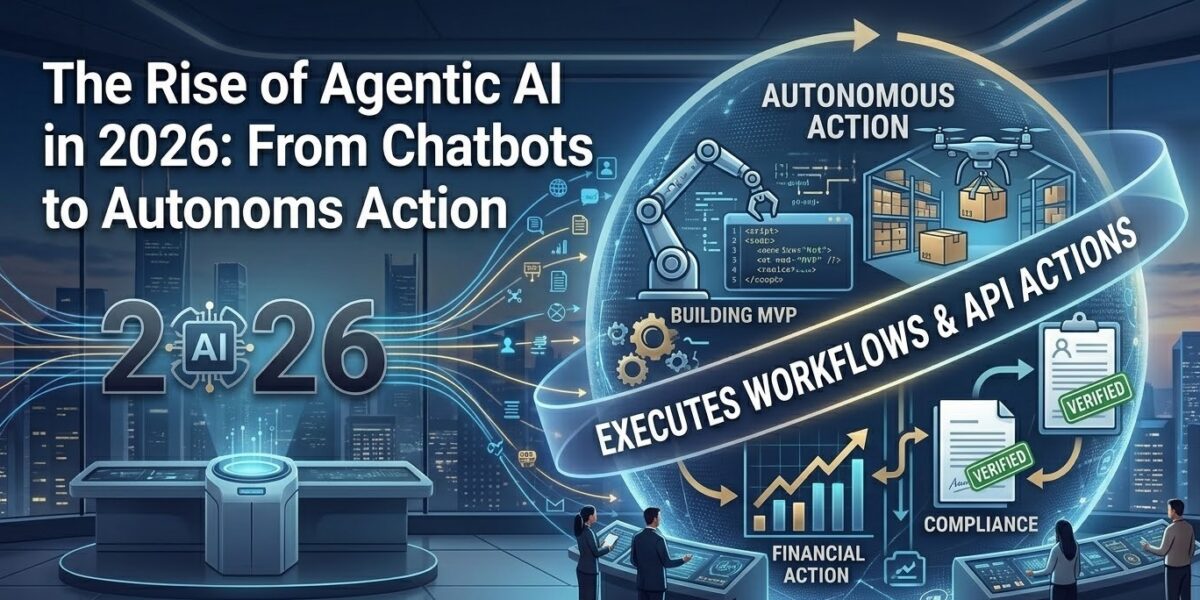
Every software vendor seems to sell an “AI agent” now. Some are genuinely autonomous systems that plan, use tools and check their own work. Many are chatbots with a new label. Gartner has a name for this, “agent washing”, and estimates that only about 130 of the thousands of vendors claiming agentic AI actually offer it (Gartner).
Gartner also predicted that over 40% of agentic AI projects will be cancelled by the end of 2027, because of rising costs, unclear business value or weak risk controls. That’s not a reason to avoid agents. It’s a reason to build them carefully. This post covers what an agent actually is, the design patterns that hold up in production, and a minimal working example.
What makes something an “agent”
A useful working definition: an agent is a system where a language model decides which steps to take and which tools to call, in a loop, until it reaches a goal or a stopping condition. The key difference from a normal chatbot isn’t intelligence. It’s control flow. In a chatbot, your code decides what happens next. In an agent, the model does.
It helps to separate two things that often get lumped together:
- Workflows: the LLM is used inside steps that your code orchestrates. For example: classify the ticket, then draft a reply, then check it against policy. The path is fixed.
- Agents: the LLM chooses the path dynamically: which tool to use, what to do with the result, when it’s done.
Anthropic’s widely shared guide “Building effective agents” makes this distinction and gives advice many teams have learned the hard way: start with the simplest thing that works, and add autonomy only when it clearly improves results.
Patterns that work in production
Most successful “agentic” systems are built from a handful of simple, composable patterns:
- Prompt chaining: break a task into fixed steps, each an LLM call, with checks between them. Reliable and easy to debug.
- Routing: classify the input first, then send it to a specialised prompt or model. For example, billing questions go one way and technical issues another.
- Parallelisation: run several LLM calls at once, either on different parts of a task or on the same task to compare answers.
- Orchestrator and workers: one model breaks a task into subtasks and delegates them, then combines the results. Useful when you can’t know the subtasks in advance, as with changes across many files.
- Evaluator and optimiser: one call produces output, another critiques it against criteria, and the loop repeats until it passes.
- Autonomous agent loop: the model plans, calls tools, observes results and repeats. The most flexible pattern and the hardest to make reliable.
The order matters. Teams that jump straight to number six for a problem that number one would solve are often the ones whose projects get cancelled.
A minimal agent loop
Here’s the core of a tool-using agent in Python with the Anthropic SDK. It gives the model one tool, lets it call the tool as many times as it needs, and stops when the model stops asking for tools or a step limit is reached:
import anthropic, json, subprocess

client = anthropic.Anthropic()

tools = [{
    "name": "run_tests",
    "description": "Run the project's test suite and return the output.",
    "input_schema": {"type": "object", "properties": {}, "required": []}
}]

def run_tests():
    result = subprocess.run(["npm", "test", "--silent"], capture_output=True, text=True, timeout=300)
    return (result.stdout + result.stderr)[-8000:]  # keep the tail, cap the size

messages = [{"role": "user", "content": "Run the tests and summarise which ones fail and why."}]

for step in range(5):  # hard limit on iterations
    response = client.messages.create(
        model="claude-sonnet-4-6", max_tokens=2000, tools=tools, messages=messages
    )
    messages.append({"role": "assistant", "content": response.content})

    if response.stop_reason != "tool_use":
        print(response.content[0].text)
        break

    results = []
    for block in response.content:
        if block.type == "tool_use" and block.name == "run_tests":
            results.append({"type": "tool_result", "tool_use_id": block.id, "content": run_tests()})
    messages.append({"role": "user", "content": results})
It’s short, but it contains the safeguards that matter: a hard step limit, a timeout on the tool, capped tool output so the context doesn’t explode, and a narrow tool that does one specific thing. Real agents add more tools, logging, and approval steps for anything destructive. The Model Context Protocol (MCP) has become the common way to plug standard tools into agents without writing each integration yourself.
Why agent projects fail
Gartner’s reasons line up with what practitioners report:
- No clear success measure. “Automate support” isn’t a goal. “Resolve 30% of password-reset tickets without human help, with under 2% escalations” is.
- Costs grow quietly. Agents loop, and every loop re-sends context. Without token budgets and caching, costs rise with usage in ways a pilot doesn’t reveal.
- Automating a broken process. An agent following a messy, undocumented process will make the mess faster.
- Weak risk controls. Agents with broad permissions and no approval steps make expensive mistakes, and are exposed to prompt injection from the content they read.
- No evaluation. Without a test set of real cases, teams can’t tell whether a prompt change helped or hurt.
A checklist before building an agent
- Could a fixed workflow do it? If yes, build that first.
- Define success numerically and collect 50 to 100 real examples to evaluate against.
- Give tools the least privilege possible. Read-only by default, with narrow write actions.
- Put humans in the loop for irreversible actions such as payments, deletions, emails to customers or production deploys.
- Set hard limits on steps, tokens, time and spend per task.
- Log everything: every tool call, input and output, so you can debug failures.
- Treat external content as untrusted. Web pages, emails and documents can contain instructions aimed at your agent.
Where agents are genuinely useful today
Agents do best where tasks are well defined, results can be checked automatically, and mistakes are recoverable. Coding is the standout example: the agent can run tests to check its own work, and git makes every change reversible. That’s why agentic coding tools matured faster than most other agent products. Other good fits include research and summarisation over trusted sources, internal IT and data tasks with clear procedures, and triage work where a human makes the final call.
The bottom line
Agentic AI is real, useful and still early. The teams getting value from it in 2026 aren’t the ones with the most autonomous systems. They’re the ones that pick well-scoped problems, start with simple patterns, measure results and add autonomy only where it earns its keep.