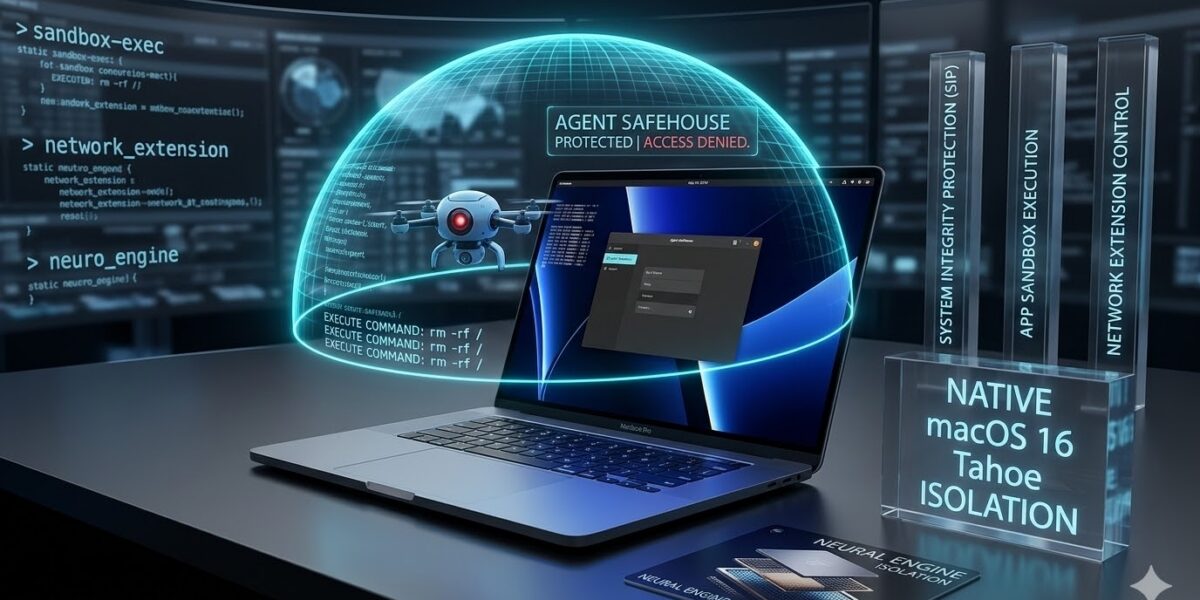
If you’re running AI agents like Claude Code or local Gemini CLI instances on your Mac, you are essentially giving a black-box script the keys to your digital life. Agent Safehouse is a macOS-native sandboxing solution that uses the system’s own sandbox-exec policies to isolate these agents from your sensitive data.
As we move into 2026, the risk of “YOLO mode” (letting agents run commands without permission) has skyrocketed. Agent Safehouse ensures that even if an agent hallucinations an rm -rf / or attempts to exfiltrate your ~/.ssh folder, the macOS kernel blocks the action instantly.
How Agent Safehouse Works in 2026
Agent Safehouse isn’t a heavy virtual machine. Instead, it acts as a policy generator for macOS’s built-in security frameworks. It leverages several “Tahoe” (macOS 16) specific enhancements to provide deep isolation:
- Dedicated Policy Profiles: It creates a “Minimum Required Permissions” profile for each agent.
- Path Validation: Uses improved directory path validation (fixing CVE-2026-20669) to ensure agents can’t “escape” to other folders.
- Neural Engine (ANE) Isolation: Ensures that while agents use your Mac’s silicon for speed, they cannot access the memory space of other running AI tasks.
Agent Safehouse vs. Alternatives
In early 2026, the “Sandboxing War” is between native policies and containerized environments.
| Feature | Agent Safehouse | Docker Sandboxes | Standard macOS Sandbox |
| Technology | Native sandbox-exec | MicroVM / Containers | Basic App Sandbox |
| Performance | Native (Zero overhead) | Moderate (VM overhead) | Native |
| Dependency | None | Requires Docker Desktop | System Default |
| Autonomy | Full “YOLO” supported | Full “YOLO” supported | Restrictive/Manual |
| Ease of Use | CLI / Policy Builder | GUI-focused | Complex/Manual |
Technical Implementation: The Power of sandbox-exec
Unlike generic solutions, Agent Safehouse is built specifically for the unique “greedy” nature of AI agents, which often need to install packages or read git configs while remaining locked out of your browser cookies or keychain.
Core Security Components:
- App Sandbox Integration: Uses Apple’s primary framework to define allowed operations.
- System Integrity Protection (SIP): Operates under the assumption that SIP is enabled, providing a secondary layer of kernel protection.
- Network Extension Control: Restricts agents to specific domains (e.g., allowing only
api.anthropic.com) while blocking local network scanning.
Real-World Use Cases
- Developer “YOLO” Mode: Run agents to refactor code across your entire repo without worrying about them touching your
Downloadsfolder. - Business Intelligence: Deploy agents to analyze CSVs in a “Blind Folder” where they can see the data but cannot send it to an external server.
- Safe AI Testing: Test experimental MCP (Model Context Protocol) servers in a contained environment before moving them to production.
Getting Started: The Setup
Installation is a simple binary download or a brew install. Once installed:
- Use the Policy Builder to select which folders the agent actually needs.
- Launch your agent via the Safehouse wrapper:
safehouse-exec --profile my-coding-agent -- npx claude-code. - Monitor logs in real-time to see which system calls were safely rejected.
Conclusion: Is Agent Safehouse Right for You?
For macOS power users, Agent Safehouse is the gold standard for balancing security with agentic autonomy. It offers the speed of a native process with the safety of a high-security vault.
Ready to secure your local AI workflow? You can visit the official Agent Safehouse GitHub to view the open-source policy profiles and join the community of developers building a safer AI future.