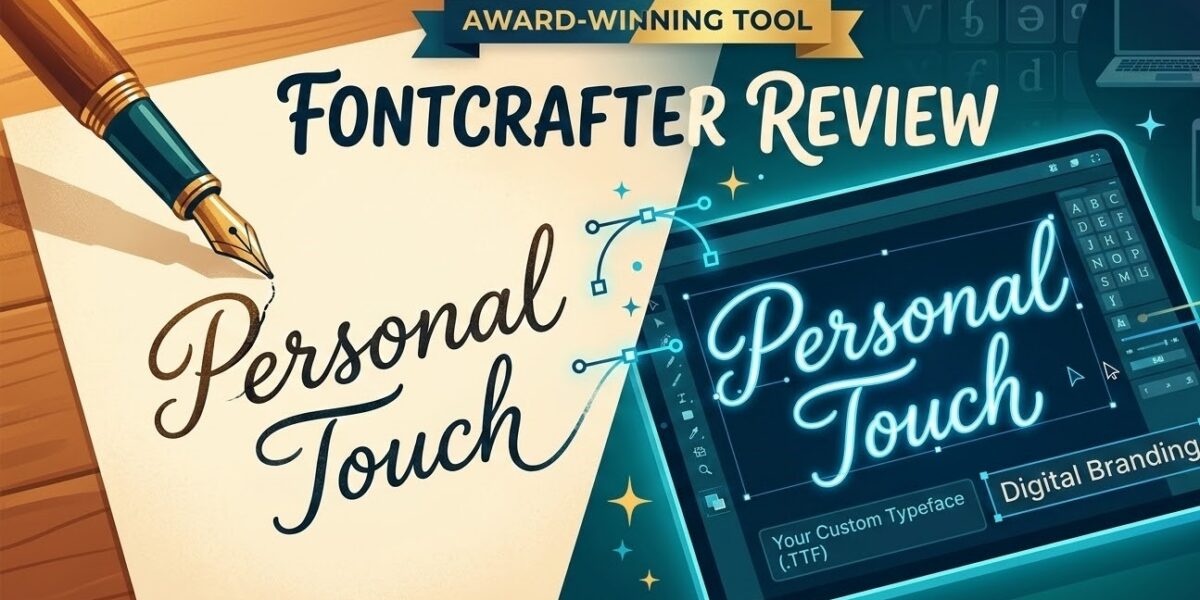
Have you ever wanted to turn your unique handwriting into a professional font that you can use across all your digital projects? Fontcrafter is a revolutionary tool designed to bridge the gap between personal expression and digital typography. It allows anyone—from hobbyists to pros—to create custom fonts from their own handwriting in just minutes.
The demand for personalized digital content has skyrocketed. In an era of generic sans-serifs, a custom handwriting font offers a way for brands and individuals to stand out. Fontcrafter addresses this by offering a simple yet powerful solution that transforms ink on paper into high-quality digital assets.
The Technology: How Fontcrafter Works
The process of creating your custom font with Fontcrafter is surprisingly straightforward. The software uses advanced handwriting recognition technology combined with sophisticated font rendering algorithms to capture the nuances of your writing style.
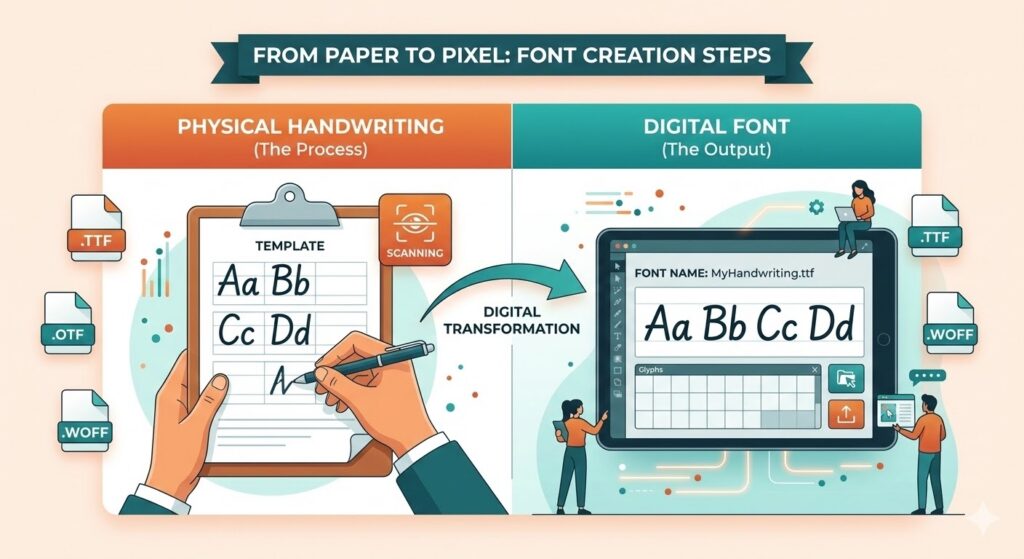
First, you write out a specific set of characters on a template. The software analyzes your strokes, pressure patterns, and letter formations to create a digital representation that maintains the authentic feel of your handwriting. This isn’t just about copying shapes; it’s about preserving the personality that makes your writing uniquely yours.
Key Features That Set Fontcrafter Apart
- Real-time Preview: See how your font looks as you write, allowing for instant adjustments.
- Multiple File Formats: Export your creations as .TTF (TrueType), .OTF (OpenType), or .WOFF for web use.
- Cross-Platform Compatibility: Use your custom font on Windows, Mac, iOS, and Android devices.
- Automatic Kerning: The software optimizes letter spacing and alignment automatically for a professional finish.
Fontcrafter at a Glance: Pros, Cons, and Pricing
| Feature | Details |
|---|---|
| Ease of Use | High (No design experience required) |
| Export Formats | .TTF, .OTF, .WOFF |
| Pricing | Affordable one-time fee or monthly subscription |
| Verdict | The best entry-level tool for custom fonts |
Pros & Cons
Pros: Extremely fast, very affordable compared to hiring a typographer, and supports high-resolution output for print projects. Cons: Limited “advanced” glyph editing for professional type designers who need manual vector control.
Who Should Use Fontcrafter?
Fontcrafter appeals to a diverse range of users, each finding unique value in the tool:
- Graphic Designers: Create signature fonts for client logos and branding packages.
- Content Creators: Develop branded fonts for social media graphics and YouTube thumbnails.
- Educators: Design handwriting fonts for worksheets that help students learn proper letter formation.
- Small Business Owners: Personalize packaging and thank-you notes without the high costs of custom design.
Getting Started: Tips for the Best Results
Starting your font creation journey with Fontcrafter is simple. The software provides clear instructions throughout. To get the best results, keep these tips in mind:
- Write Naturally: Don’t try to “perfect” your writing; the software works best with your authentic flow.
- Use a High-Quality Pen: A felt-tip pen or a digital stylus provides the cleanest lines for the scanner to read.
- Consistency is Key: Try to maintain similar pressure and size across all characters in the template.
- Experiment with Styles: Create a “messy” version for casual use and a “neat” version for professional documents.
Fontcrafter vs. Traditional Font Design
Traditional font design requires extensive knowledge of typography and vector software like Adobe Illustrator or Glyphs. It is a meticulous process that can take weeks.
Fontcrafter streamlines this process dramatically. Instead of learning complex design principles, you can create a custom font in under 30 minutes. While a professional typographer might charge between $500 and $5,000 for a custom typeface, Fontcrafter provides a functional alternative at a fraction of the cost.
Frequently Asked Questions (FAQ)
Is Fontcrafter free? Fontcrafter typically offers a free trial or a “basic” version, but full export features usually require a one-time purchase or subscription.
Can I use my font in Word or Photoshop? Yes! Once you export your font as a .TTF or .OTF file, you can install it on your system and use it in any software that supports fonts.
Does it support different languages? Most versions support standard Latin characters, with premium versions offering extended glyph sets for various languages.
Conclusion: Is Fontcrafter Right for You?
Fontcrafter offers an innovative, accessible solution for anyone looking to digitize their handwriting. Whether you are building a personal brand, creating art, or just looking for a fun creative project, this tool delivers professional-quality results without the steep learning curve.
Ready to transform your handwriting? Visit the official Fontcrafter website to start your first project. Don’t let your unique writing style stay trapped on paper—bring it to life in the digital world today!
Have you tried Fontcrafter or similar tools like Calligraphr? Share your experience in the comments below! We’d love to see what you’ve created.