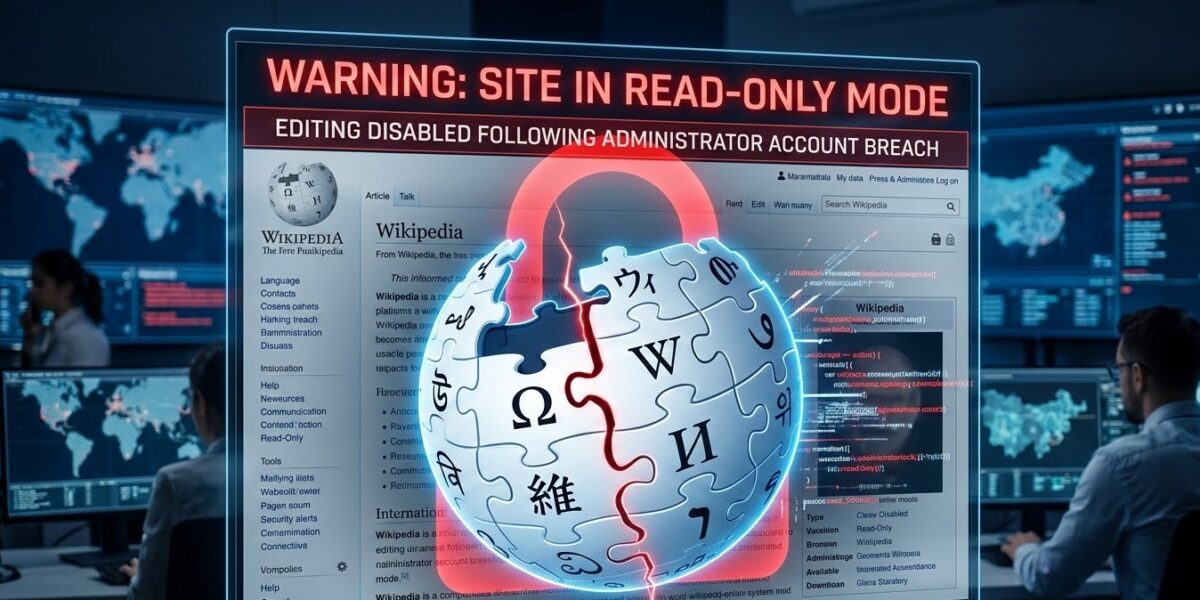
The Wikipedia read-only mode 2026 began late last week after a sophisticated cyberattack compromised several administrator accounts. This unprecedented security incident left millions of users unable to edit or contribute to the global encyclopedia. While the site remains accessible for reading, the Wikimedia Foundation restricted all editing capabilities to protect the platform’s integrity during their ongoing investigation.
How the Wikipedia Security Breach Unfolded
Preliminary reports from the security team suggest that attackers exploited a vulnerability in the authentication system. Hackers likely used a “credential stuffing” method to bypass standard protocols. This technique uses leaked passwords from other data breaches to gain unauthorized access. Because this attack targeted administrator-level accounts, the hackers gained the power to delete pages and block trusted users.
The Wikimedia Foundation responded by activating the Wikipedia read-only mode 2026. This move effectively froze the site’s 6.5 million articles. You can learn more about how Wikimedia handles security on their official blog. This internal transparency helps maintain the community’s trust during a crisis.
Understanding the Wikipedia read-only mode 2026 Impact
The current lockdown impacts more than just the website’s code; it disrupts the global flow of information. With editing disabled, timely updates about breaking news or recent world events cannot appear on the platform. This situation frustrates over 200,000 active volunteer editors who rely on the site for knowledge sharing.
New Security Measures for Wikipedia Administrators
The crisis response team now works around the clock to restore full functionality. They have implemented several emergency protocols to end the Wikipedia read-only mode 2026 safely. These updates include:
- Mandatory 2FA: All administrators must now use two-factor authentication.
- IP Monitoring: The system now flags all suspicious login locations immediately.
- Account Suspensions: The team temporarily paused the creation of all new accounts.
- System Audits: Third-party experts are reviewing the entire authentication backend.
The Future of Wikipedia Security and Editing
Experts believe this incident will fundamentally change how Wikipedia manages its open editing model. Moving forward, the platform may require hardware security keys or biometric verification for users with elevated privileges. While Wikipedia operates on a principle of trust, modern cyber threats require a “Zero Trust” approach to administrative actions.
The Wikipedia read-only mode 2026 serves as a wake-up call for all collaborative websites. As hackers become more sophisticated, even the most robust platforms must balance accessibility with high-level security measures.
Final Verdict for Users
Users should remain patient while the foundation secures the site. If you have an account, now is the time to update your password and enable 2FA. We will continue to monitor the Wikipedia read-only mode 2026 status and provide updates as soon as the Foundation restores editing rights.